
Ozwin Casino Search games New here?: 400% up to $4,000 + 100 free spins
Ozwin Casino Account Access · Updated October 2026

Ozwin Casino Log In 2026

Sign in to an existing account, register as a new player or fix access issues. Balances and stakes stay in AUD on phone, tablet or computer.

  • AUD accounts
  • Mobile browser access
  • 24/7 English-language live chat
New here? 400% up to $4,000 + 100 free spins Two-deposit welcome package · Minimum A$20 · T&Cs apply

How To Log In

The sign-in route is for existing accounts. Registration is only for players who have never created one.

  1. 1

    Open Ozwin Casino

    Load the casino site in the browser on your phone, tablet or computer.

  2. 2

    Choose sign in

    Select the sign-in option and enter the details you set when registering.

  3. 3

    Check your details

    Look for extra spaces, capital letters or typing errors before submitting again.

  4. 4

    Continue to the casino lobby

    Once inside, the lobby holds pokies, table games and your account areas.

On This Page5

Signing In To An Existing Account

The ozwin casino log in route is for players who already hold an account. Open the casino in your browser, choose sign in and enter the details you created at registration. Once the account page loads, continue to the lobby and pick your games there.
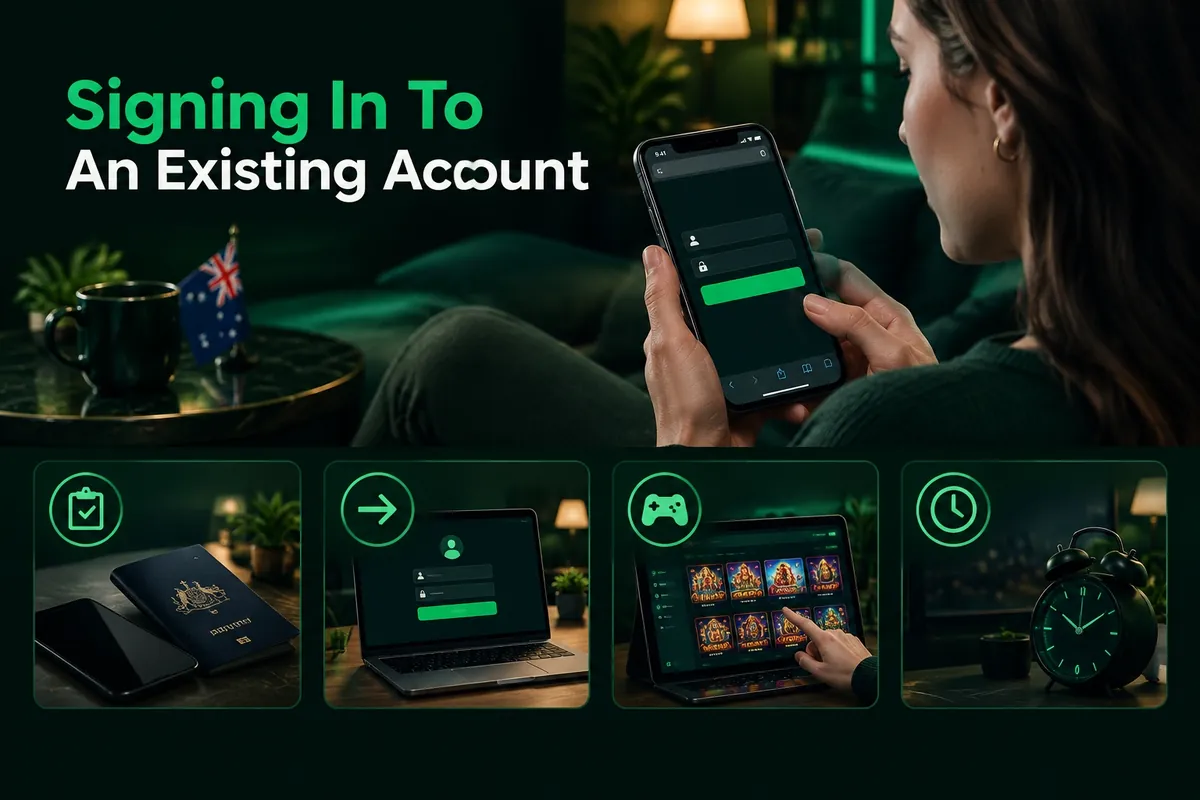
Signing In To An Existing Account

Keep the two tasks apart. If you already have an account, creating another one is not the next step. If you have never registered, use the registration route instead. That single choice prevents duplicate forms and saves support time later.

What To Have Ready

Have the details tied to your Ozwin account before you open the form. Use the same information you entered at registration, with care over spelling, letter case and any symbols in your password. Watch for spaces picked up at the start or end of a copied value.

Sign in on a device you control and in a browser you trust. On a shared computer or someone else's phone, sign out after playing and close the tab. Keep the password to yourself and avoid saving it on hardware other people use.

From Sign-In To The Lobby

Submit the form and let the account page load. When access is confirmed, move to the casino lobby. The catalogue runs past 250 games and covers pokies, progressive jackpots, blackjack, roulette, video poker and keno, all supplied by Realtime Gaming.

Your account runs in AUD, so balances, stakes and win figures appear in Australian dollars. That keeps the numbers familiar when you move between the cashier and the games. This page stops at account access; the lobby is where you choose what to play.

Which Next Step Fits Your Case

Match your situation to the right action before you fill in another form:

Your situationNext action
You hold an account and know your detailsSign in, then continue to the casino lobby.
You have never registeredChoose registration and complete the account form.
You hold an account but cannot get inRecheck your details, then contact support if the issue remains.
You can sign in but need account helpUse the account FAQs or contact the support team.

That layout keeps the path short: sign in for an existing account, register only when you are new. For the wider picture of the casino, the Ozwin Casino home page covers games, banking and promotions.

Keep Your Session In Mind

Sign in when you are ready to use the account, not out of habit. On a private device you can stay in the same browser session and move freely between the lobby and the cashier. On a shared device, sign out when finished and close the browser if others can reach it.

Ozwin is for adults aged 18 and over. Set a budget before you play and stop when you reach it. Account access is a practical step, but responsible play covers every session you open.
Mobile And Tablet Access

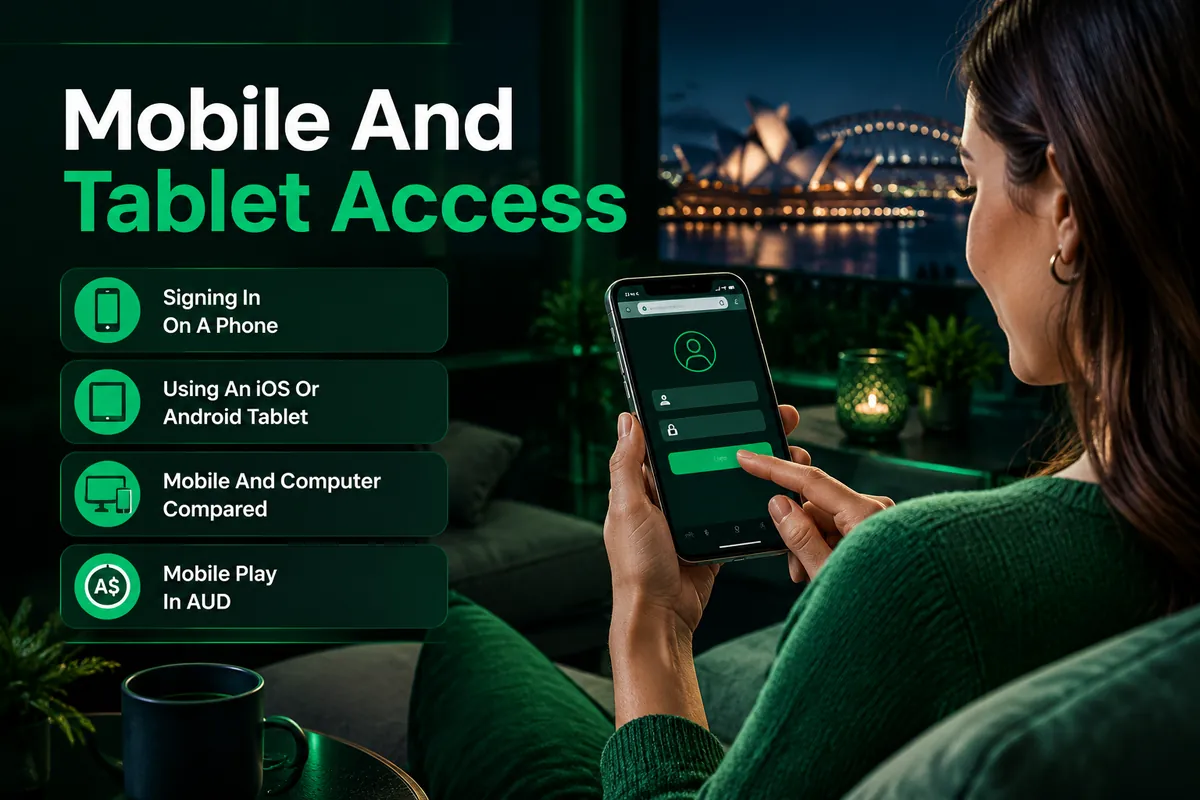
Ozwin runs in a mobile browser on iOS and Android phones and tablets. Open the site in the browser you already use and follow the same sign-in step as on a computer. The browser version covers account access, pokies, deposits and welcome offers.

Mobile And Tablet Access

Signing In On A Phone

On a phone, load Ozwin and tap the sign-in option. Enter your details with care, especially if autocorrect swaps characters or the keyboard adds a trailing space. Once inside, continue to the lobby. The browser route keeps access and play in one place, with no separate app required.

Phone screens suit a quick balance check or a short visit to the lobby. Before you submit, make sure the field shows what you actually typed. If the keyboard covers part of the page, dismiss it and review the entry before continuing.

Using An iOS Or Android Tablet

A tablet follows the same browser approach. Open the site, choose sign in and use the details linked to your account. The larger display gives more room to review the page, and the access route does not change.

There is no separate mobile account to create or migrate. The same account works on phone, tablet and computer. When you move between devices, enter the details carefully and avoid leaving a session open on hardware you do not control.

Mobile And Computer Compared

Both routes run in a browser and lead to the same account and lobby. The real difference is how you like to view the page and type your details, not a second account or a shorter game list.

TaskPhone or tabletComputer
Open OzwinUse the browser on an iOS or Android device.Use a browser on your computer.
Sign inEnter details with the on-screen keyboard.Enter the same details with a physical keyboard.
Continue to gamesOpen the casino lobby in the browser.Open the casino lobby in the browser.
Account featuresBrowser access includes the account areas.Browser access includes the account areas.

Pick the device that lets you type comfortably and keep the session private. On any screen, check the information before submitting and avoid public hardware for account access when your own is to hand.

Mobile Play In AUD

Ozwin accounts operate in AUD, so the balance and stakes read in Australian dollars on every screen. That consistency helps on a smaller display, where converting figures mentally would slow you down.

The mobile browser covers pokies plus deposits, welcome offers and account access. After sign-in, use the lobby for games and the account areas for everything else. For access help on a mobile device, English-language live chat runs around the clock.

Registration And First Sign-In

Registration and sign-in do different jobs. Register when you are new to Ozwin and hold no account. Sign in when you have registered before and want to reach your account or the casino lobby.

Registration And First Sign-In

When To Register

If you have never created an Ozwin account, take the registration route and complete the form shown on the site. Enter your details accurately and review them before submitting. When registration is done, sign in with those same details.

Registration starts a new account; it is not a password reset or a shortcut into an existing one. If you think you may already have an account, try signing in first. If you cannot get in, contact support rather than opening a second account to work around it.

First Sign-In After Registration

After creating the account, return to the sign-in option and enter the details you just set. When the account opens, continue to the lobby. The route is the same whether you register on a computer or from a phone or tablet browser.

For Australian players, Ozwin holds AUD accounts, so the balance and stakes display in Australian dollars. Mobile browser access works on iOS and Android phones and tablets, which means registration and later sign-in can both be handled on those devices.

Ozwin Casino AU Login And Registration

Players hunting for an ozwin casino au login use the same account route: sign in to the existing account, then open the lobby. Searches for ozwin casino au login register often mix the two tasks, though they remain separate choices. Register first only when the account does not exist yet.

After sign-in, the catalogue runs past 250 games, with pokies, progressive jackpots, blackjack, roulette, video poker and keno. Access comes first; the lobby is where you choose a title and a stake.

Promotions And Account Choices

Welcome offers live in the Promotions section, where you select one before depositing. Each of your first two deposits brings 200% up to $2,000 plus 50 free spins, and the minimum qualifying deposit is A$20. Registration and sign-in stay separate from picking an offer.

If you already hold an account, do not register again to chase a bonus. Sign in, open Promotions and read the terms before you deposit. The Ozwin Casino home page covers the full welcome package and other weekly rewards.

Responsible Account Use

Ozwin is for adults aged 18 and over. Fix a spending limit before you play and keep gambling inside your entertainment budget. To set daily or monthly deposit limits, or to request temporary or permanent self-exclusion, contact support.

Registration opens the door to play; it does not change how carefully you should approach it. If you are not ready to gamble, do not deposit. Take a break when needed and use support to talk through account or responsible-play options.

Access Problems And Support

If sign-in fails, start with the details you entered and the device in your hands. Fix obvious typing errors before trying again. If access still stalls, contact Ozwin support; English-language live chat runs 24/7, with email help and scheduled callbacks alongside it.

Check The Details You Entered

Compare the form with the details you used at registration. Look for spelling slips, missing characters, stray spaces or a keyboard setting that altered what you typed. If a password manager filled the form, confirm it picked the saved entry for Ozwin, not another site.

Re-enter the details slowly. Do not guess a password over and over or share it with anyone. If the details have slipped your memory or the same error returns, ask support for guidance instead of trying an unverified workaround.

Check Your Browser And Device

Make sure the site has fully loaded and the browser responds before you submit again. On a phone or tablet, check that the keyboard is not hiding part of the form. You can also switch to another device you control and use the same browser route.

Mobile and computer access both run in a browser, so changing devices does not mean a different account. Use the same details. Avoid public hardware where possible, and close the session after use if someone else can reach the device.

Contact Support With A Clear Description

Live chat in English gives direct help at any hour. Email is a second route, and you can arrange a scheduled callback. Explain what you were doing, whether you were registering or signing in, and what happened after you submitted the form.

Never put your password in a support message. Keep the description on the access issue and use the support channel shown on the site. The team can point you to the next account step; the time it takes depends on the case, so no fixed answer is promised here.

Choose The Most Useful Help Route

Work through this short path to decide what to do next:

  1. Details look wrong: fix typing errors and enter the account information again.
  2. You are new to Ozwin: register instead of trying to sign in.
  3. The account still will not open: contact English-language live chat, open 24/7.
  4. You prefer another channel: send an email or book a scheduled callback.

Keep your details private while you seek help. For payments, verification or other account topics, the account FAQs can point you in the right direction. Use support when your case needs advice specific to you.

Play Within Your Limits

Access support answers account questions; responsible-play support helps you manage gambling. Ozwin is for adults aged 18 and over. You can ask support for daily or monthly deposit limits, or for temporary or permanent self-exclusion.

Set a spending limit that fits your entertainment budget and stop at that line. If gambling stops being enjoyable, take a break and use the available options. Sign in when you are ready to use the account responsibly.

Ozwin Casino Login Questions

Quick answers on signing in, registration, mobile play and support.

01

How Do I Log In To My Existing Ozwin Account?

Open Ozwin in your browser, choose sign in and enter the details you set at registration. When the account opens, continue to the casino lobby. If the form rejects you, check for typing errors before trying once more.

02

What Should I Do If I Cannot Sign In?

Check the information you entered for typing errors, missing characters or stray spaces. If the problem continues, contact English-language live chat, send email support or arrange a scheduled callback. Never share your password in a support message.

03

Should I Register Or Sign In?

Register if you have never created an Ozwin account. If you already hold one, sign in rather than registering again. Registering a second account to bypass an access issue only delays the fix.

04

Can I Use Ozwin On An iPhone Or Android Phone?

Yes. Ozwin works in a mobile browser on iOS and Android phones and tablets. Sign in through the browser and continue to the casino lobby, where pokies and table games are available.

05

Does Ozwin Support Australian Dollars?

Yes. Ozwin holds AUD accounts, so balances, stakes and winnings show in Australian dollars. That keeps the figures consistent across the cashier and the games on every device.

06

How Can I Contact Ozwin Support About Login Access?

English-language live chat is available 24/7. Email assistance and scheduled callbacks are also available. Describe what happened when you submitted the form so the team can trace the issue quickly.

07

Is Ozwin Intended For Players Under 18?

No. Ozwin is for adults aged 18 and over. Set a spending limit before you play and keep gambling within your entertainment budget. Contact support if you want deposit limits or self-exclusion.

Patrick Dempsey

Written by

Patrick Dempsey

Australian Casino Content Editor

Patrick is an Australian editor focused on pokies, AUD banking and mobile casino usability. His editorial remit covers bonus conditions, withdrawal steps and responsible play.

  • Fact-checked by Patrick Dempsey
  • Updated October 2026